You haven't signed in yet, you can have a better experience after signing in
*Please complete the payment within {{receiveCouponInfo.expire_at}}Previous use*
You haven't signed in yet, you can have a better experience after signing in


Activity Rules
1、Activity time:{{ info.groupon.start_at }} ~ {{ info.groupon.end_at }}。
1、Activity time:cease when sold out。
2、Validity period of the Group Buying:{{ info.groupon.expire_days * 24 }} hours。
3、Number of Group Buying:{{ info.groupon.need_count }}x。
Please Pay Attention
1、Teamwork process: Join/initiate a Group Buying and make a successful payment - Within the validity period, the number of team members meets the activity requirements - Group Buying succeeded!
2、If the number of participants cannot be met within the valid period, the group will fail, and the paid amount will be refunded in the original way.
3、The number of people required and the time of the event may vary among different products. Please pay attention to the rules of the event.
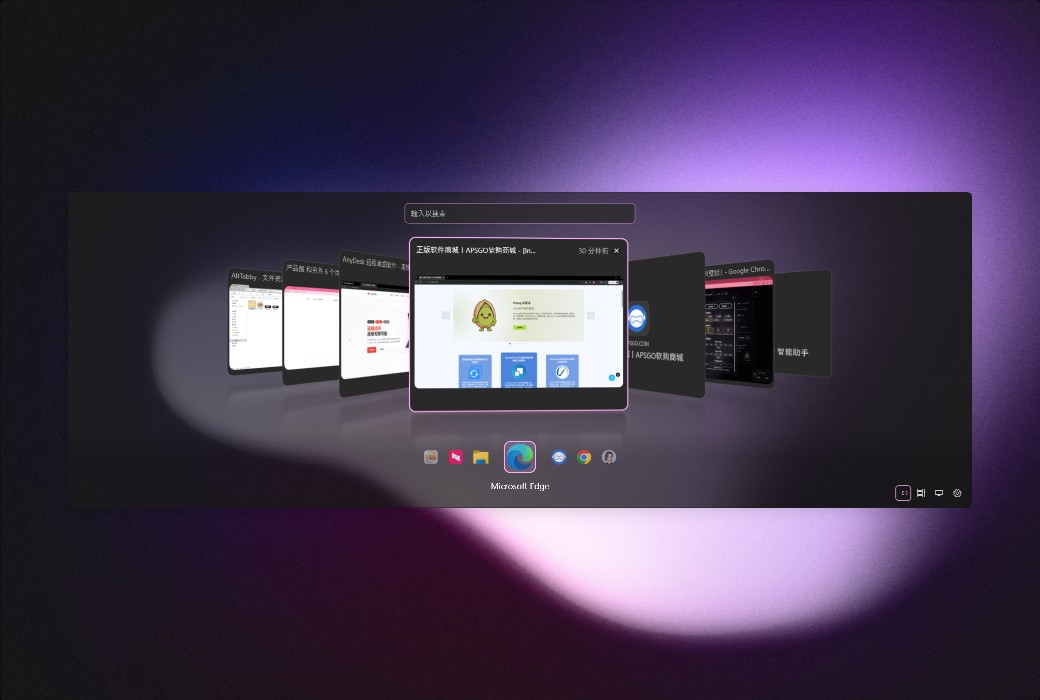
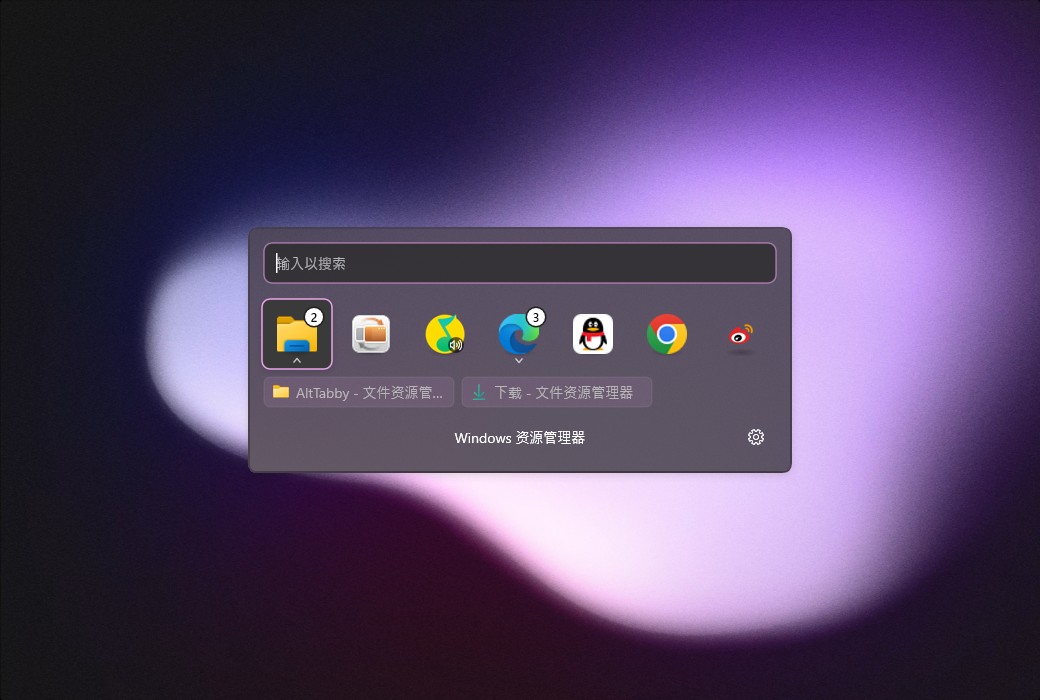
AltTabby's powerful task switching feature is designed specifically for your work style
Make task switching more efficient.
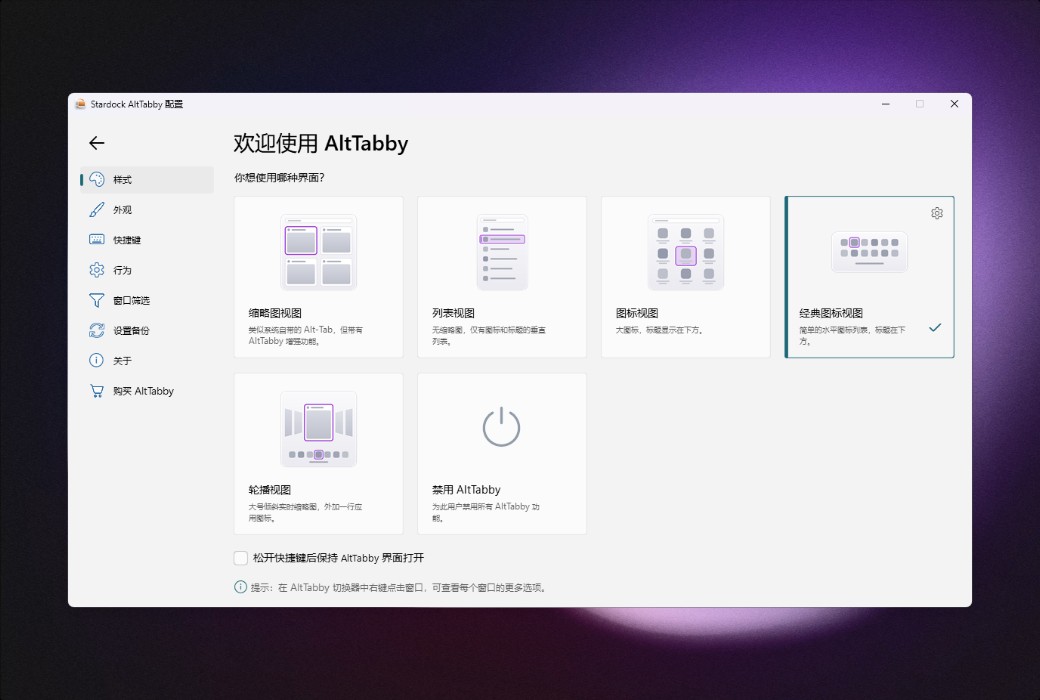
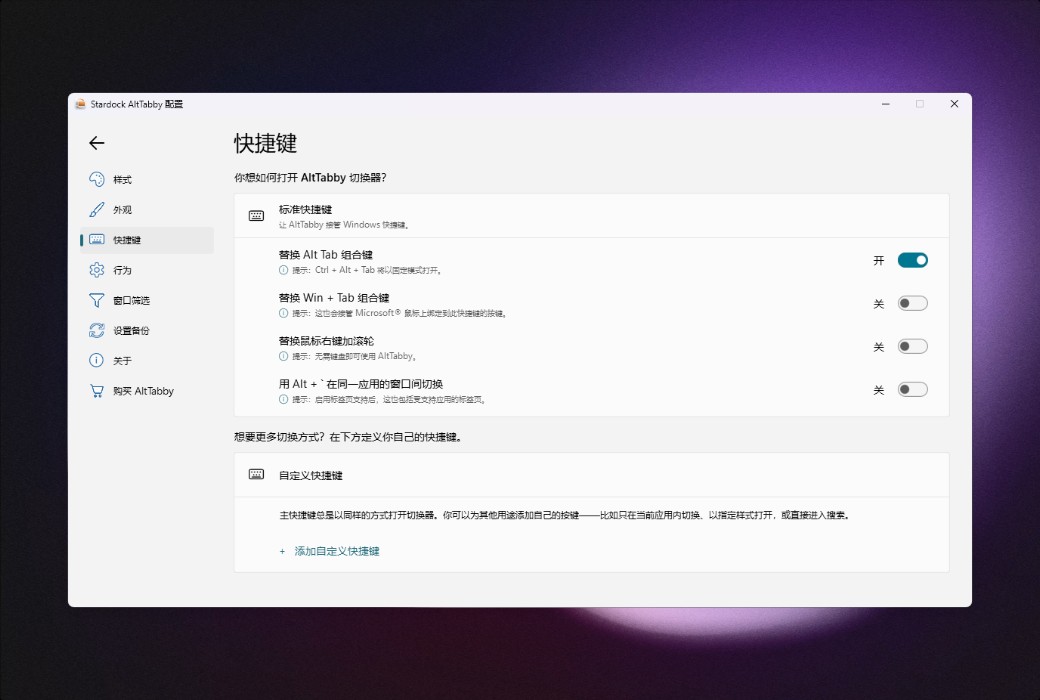
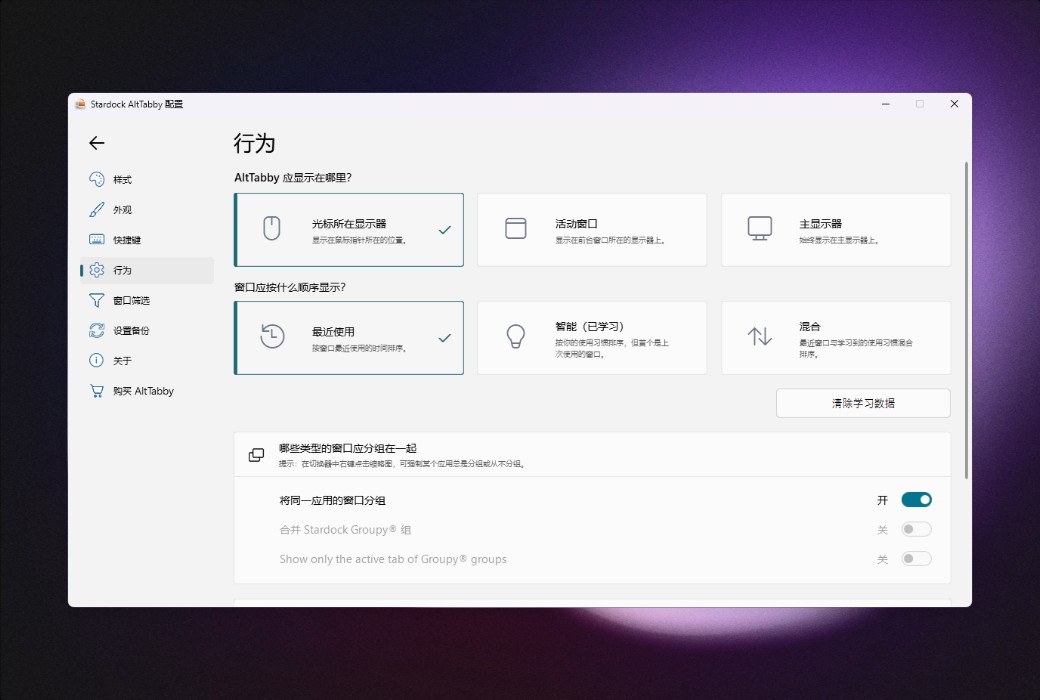
AltTabby replaces the standard Windows Alt+Tab switching experience with a customizable layout and efficient features, helping you switch between applications faster.
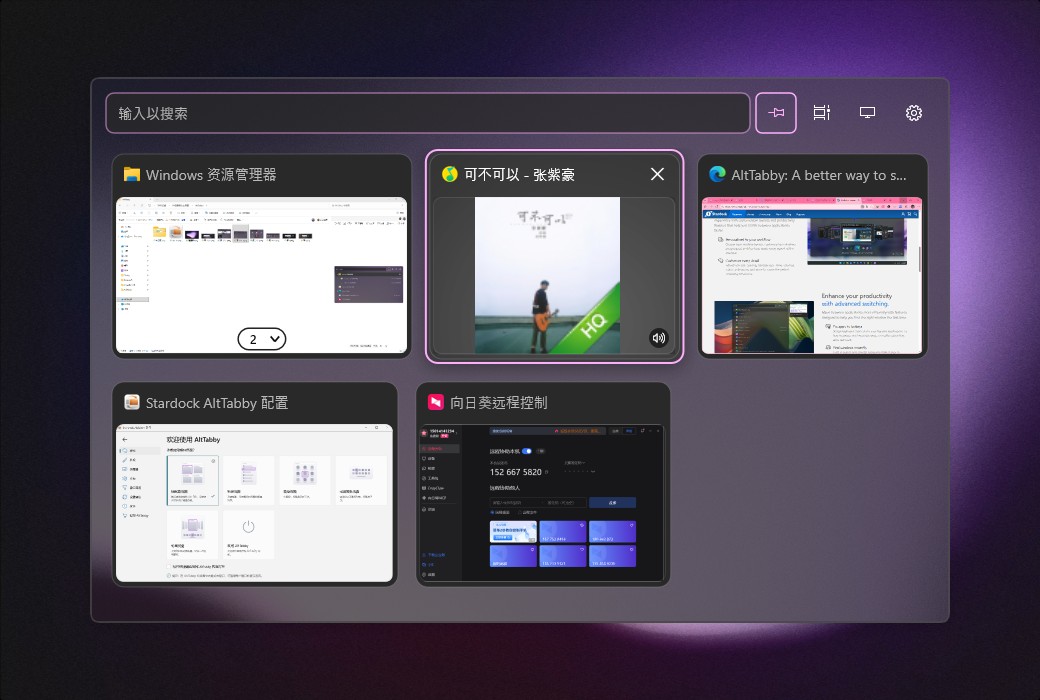
Enhance your work efficiency with advanced switching features
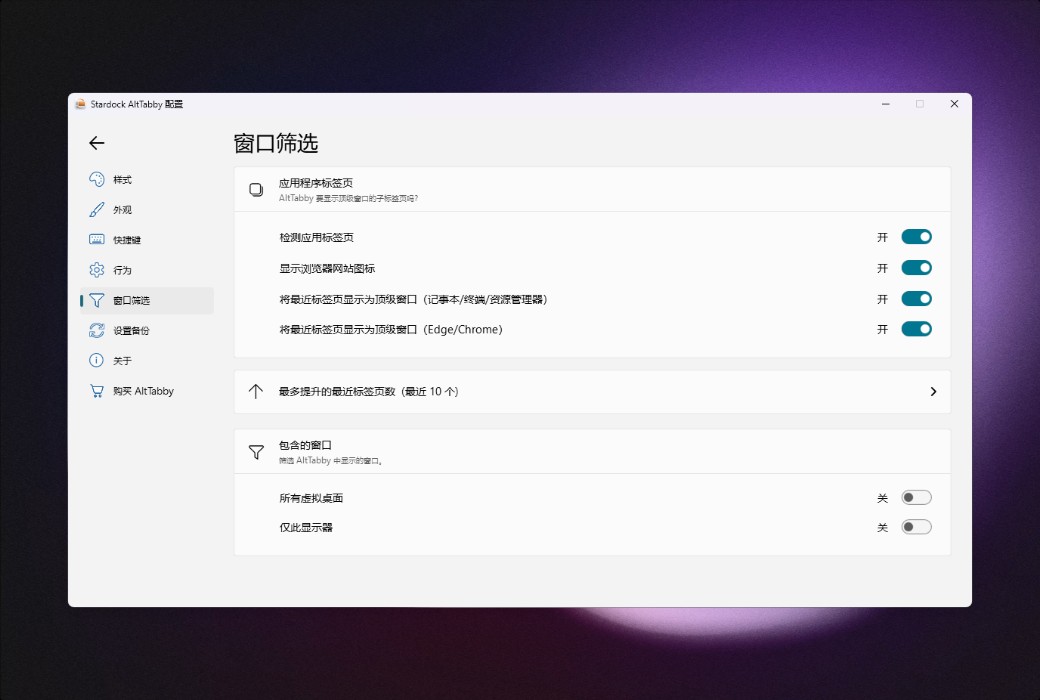
Switch between applications more efficiently with features designed to help you quickly find the window you need.
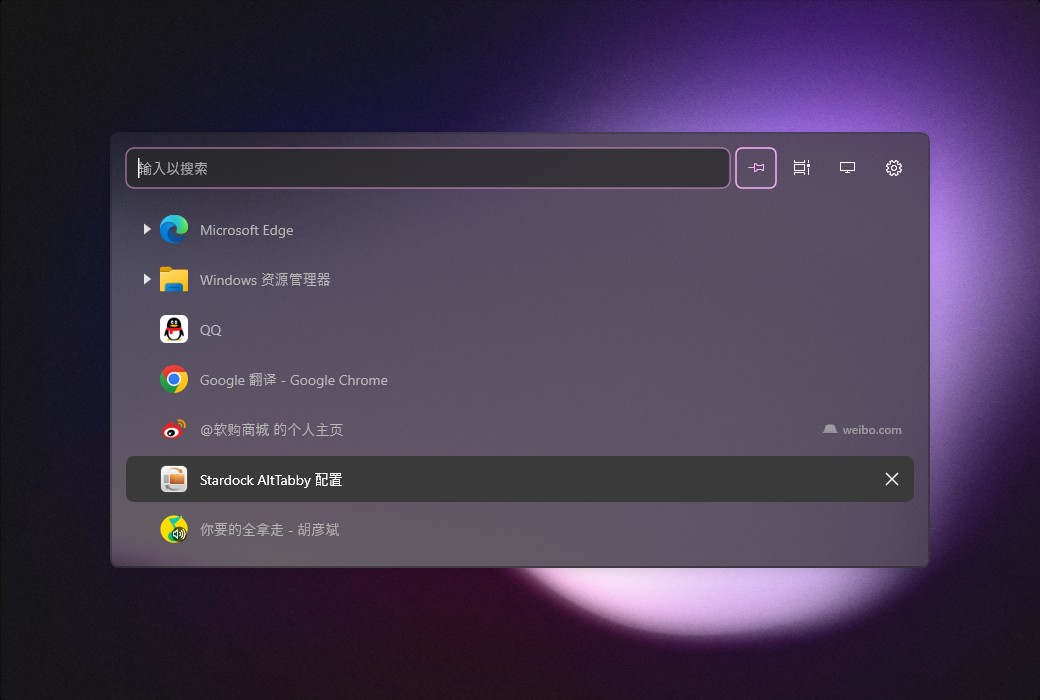
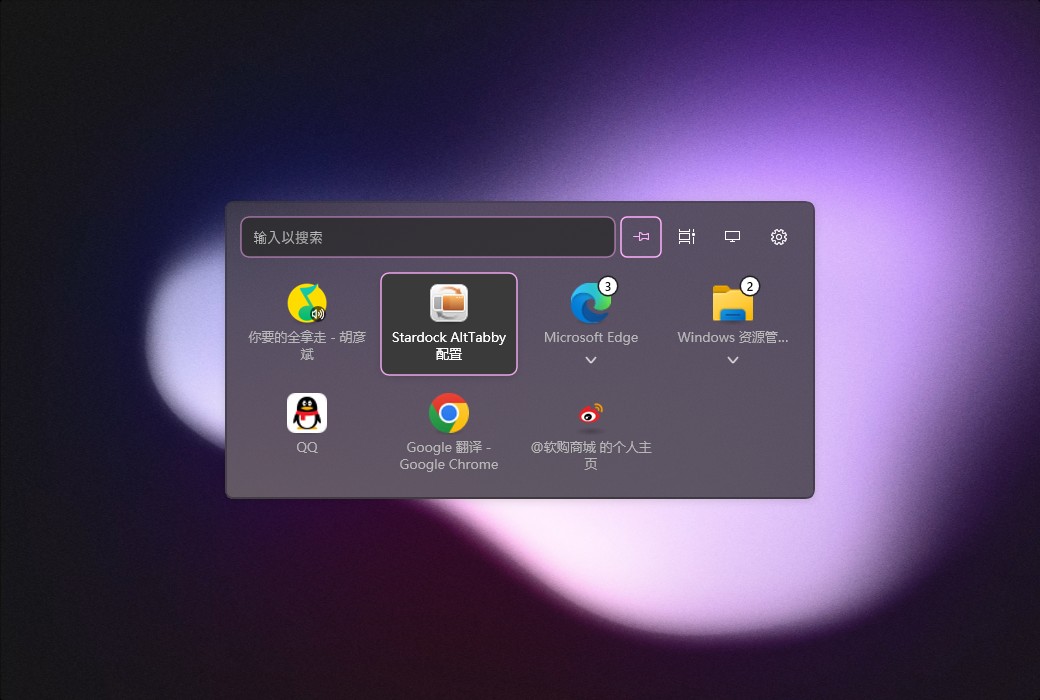
Full control over Alt+Tab window switching
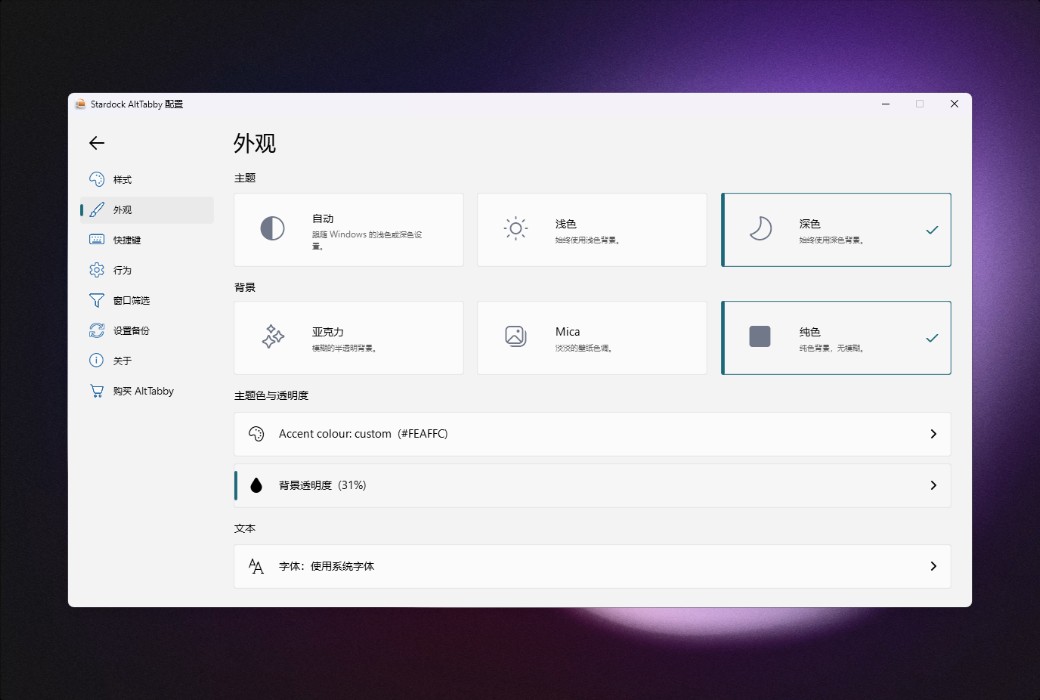
Whether you prefer a clean and modern layout or a more familiar style, AltTabby allows you to create the window switcher that suits you best.
Official Website:https://www.stardock.com/products/alttabby/
Download Center:https://alttabby.apsgo.cn
Shipping Time: Manual processing for shipping
Operating System: Windows
Interface Language: Supports Chinese interface display, with multiple languages available.
Update Information: Supports 1-year update and upgrade.
Trial Before Purchase: Free trial available before purchase.
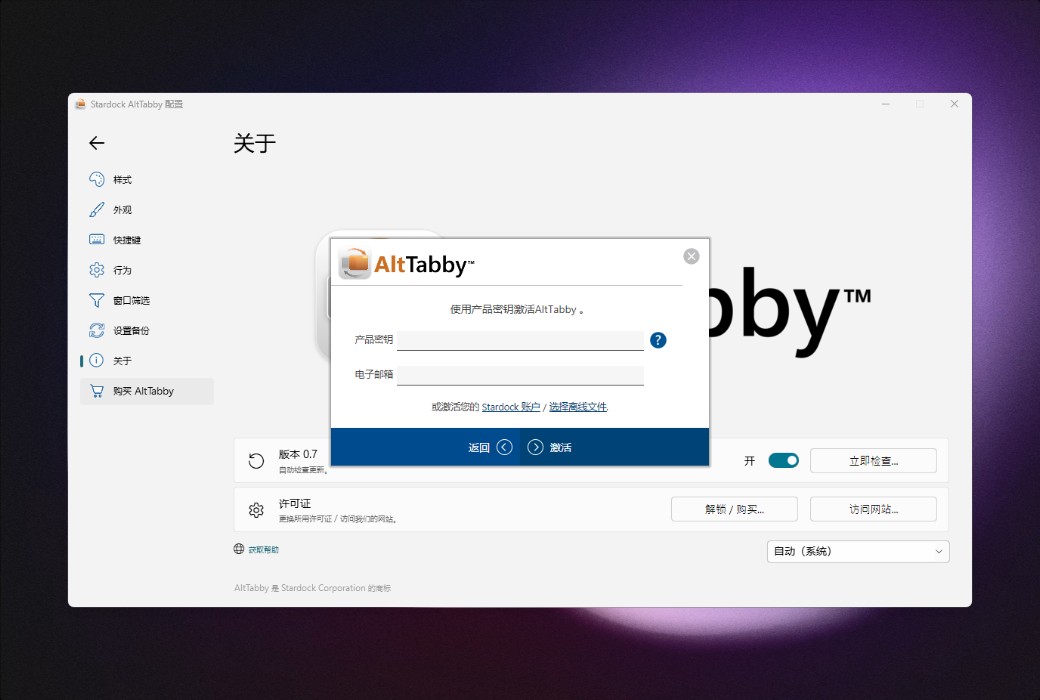
How to Receive the Product: After purchase, activation information will be sent to the email address used for the order. Additionally, the corresponding product activation code can be viewed in the personal center, under "My Orders".
Number of Devices: Can be installed on 5 computers.
Changing Computers: Uninstall on the original computer and activate on the new one.
Activation Guide: To be added.
Special Instructions: To be added.
References:https://www.stardock.com/products/alttabby/

Any question